Everything you need to know about UAE passport photo specifications — including Emirates ID photos, Golden Visa photos, and residency permit requirements. Get your photo right the first time with our free online tool.
| Photo Size | 40×60mm (width × height) |
| Background | Pure white — no patterns, gradients, or shadows |
| Head Coverage | 70–80% of total frame height |
| Recency | Taken within the last 6 months |
| Expression | Neutral, mouth closed, eyes open and looking at camera |
| Glasses | Not permitted (prescription or sunglasses) |
| Format | JPEG, minimum 600 DPI for print; minimum 240×360px for digital |
Our free online UAE passport photo tool automatically resizes your photo to the official 40×60mm format, removes the background to pure white, and checks your image for compliance with all UAE GDRFA and ICA requirements. Simply upload your photo, position your face in the guide frame, and download a print-ready or portal-ready JPEG in seconds. No software installation required — works on any device, including smartphones. Perfect for UAE passport renewals, Emirates ID applications, Golden Visa submissions, and residency permit renewals.
The United Arab Emirates imposes strict biometric photo standards across all identity and travel documents. Whether you are applying for a new UAE passport, renewing an existing one, or completing an Emirates ID registration, the photographic requirements are governed by the Federal Authority for Identity, Citizenship, Customs and Port Security (ICP, formerly ICA) and the General Directorate of Residency and Foreigners Affairs (GDRFA). Understanding these rules in detail will save you time, money, and the frustration of repeated rejections.
The official UAE passport photo size is 40mm wide by 60mm tall. This is a portrait-oriented rectangle — larger than the 35×45mm standard used by many Western countries. When printing, ensure your printer is set to at least 600 DPI to meet the resolution minimum. For digital submissions via the ICA portal, photos must be a minimum of 240×360 pixels, with no maximum file size restriction under 5MB.
The background must be pure white — specifically, an RGB value close to (255, 255, 255). Off-white, cream, grey, or any tinted background will result in immediate rejection. There must be no shadows cast on the background by the subject. If photographing at home, use a white sheet or wall and ensure even lighting on the backdrop. Natural daylight or a softbox lamp positioned behind the subject helps eliminate shadows.
Your head must occupy between 70% and 80% of the total frame height. The face must be centered horizontally and positioned so there is a small gap between the top of the head (or hair) and the top edge of the photo. Your full face must be visible: from the top of the forehead to the bottom of the chin. Both ears should ideally be visible. The face must be directly facing the camera — no tilting, turning, or angling permitted.
The expression must be neutral with the mouth closed. Smiling — even slightly — is not acceptable for biometric compliance. Eyes must be open, looking directly into the camera lens, and clearly visible. Squinting or looking away will cause rejection. There must be no hair covering the eyes, eyebrows, or cheeks.
Everyday clothing is acceptable. Uniforms are generally not permitted unless they represent traditional national dress. Head coverings are only allowed for religious reasons, in which case the full face must remain visible from the bottom of the chin to the top of the forehead and from ear to ear. Glasses of any type — including prescription glasses, fashion frames, or tinted lenses — are strictly prohibited under the current biometric standards. Head accessories such as hairbands or decorative items that alter the natural head shape should be removed.
The photo must be taken with even lighting on the face — no harsh shadows, no hotspots, and no dark circles under the eyes. The skin tone should appear natural. The print quality must be sharp, with no blurring, pixelation, or colour distortion. Photos printed on regular printer paper are not acceptable; use photo-quality glossy or matte paper.
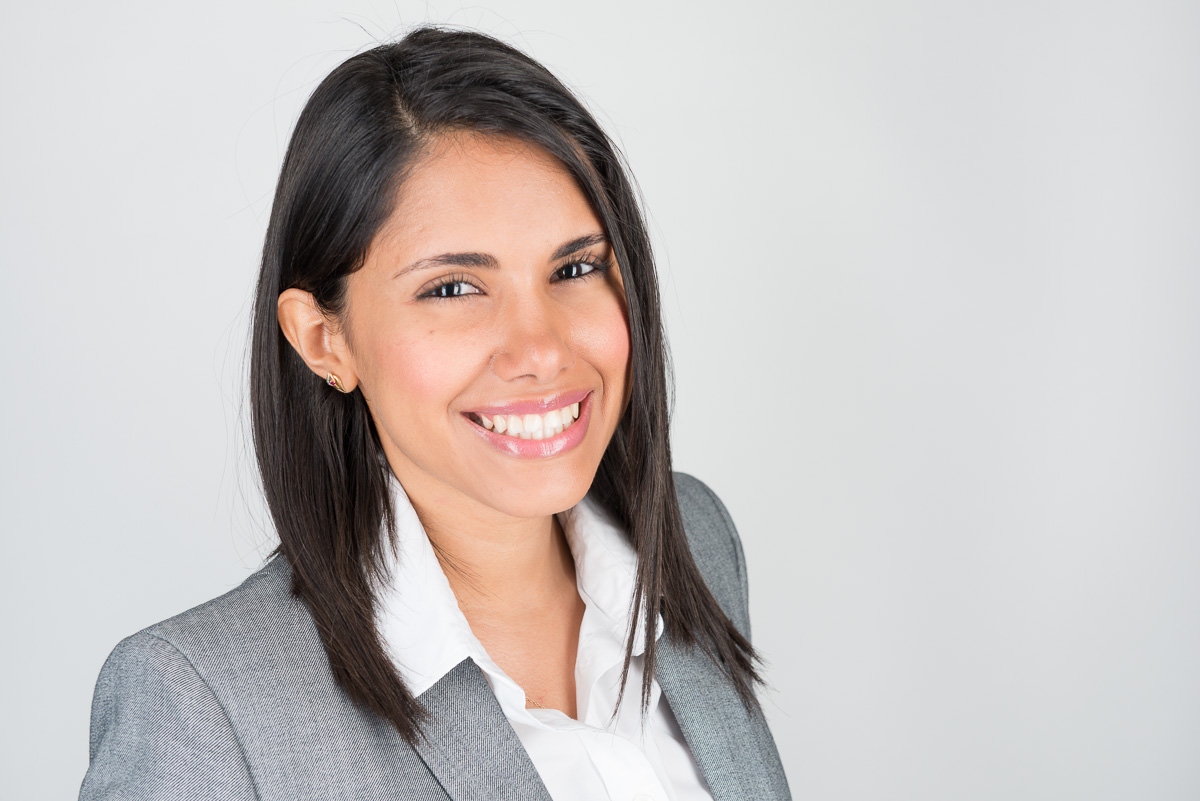
The UAE is unique among countries in that a single photograph standard — the 40×60mm white-background biometric photo — applies across multiple critical identity documents. Understanding the specific use cases will help you prepare the right photo for the right submission.
The Emirates ID is the mandatory national identity card issued to all UAE nationals and residents. When enrolling or renewing your Emirates ID through the Federal Authority for Identity, Citizenship, Customs and Port Security (ICP), you will be photographed at an approved typing centre or an ICP service centre. While the biometric photo is captured on-site at these centres, you may need to provide a printed 40×60mm photo for certain supporting forms. The same white background, neutral expression, and head-size rules apply. Emirates ID renewal must be completed 30 days before expiry.
The UAE Golden Visa is a long-term residency visa (5–10 years) available to investors, entrepreneurs, skilled professionals, researchers, and outstanding students. Photo submissions for Golden Visa applications follow the same 40×60mm biometric standard. Applications are processed through the ICA online portal or through government-approved typing centres. If applying as a family, each family member — including children under 18 — must provide a separate compliant photo.
Employment visas, family sponsorship visas, and investor residency permits processed through the GDRFA all require the 40×60mm standard photograph. If you are renewing your residency visa while already in the UAE, your employer's PRO (Public Relations Officer) or a typing centre will typically assist with photo submissions. For those applying from abroad, digital photo uploads to the GDRFA portal must meet the same specifications.
In the UAE, government-approved typing centres are the most common submission points for all identity document photos. These centres are located across all seven Emirates and are authorised to assist with passport, Emirates ID, and residency applications. For digital submissions, the ICA online portal (icp.gov.ae) and the GDRFA portal (gdrfad.gov.ae) accept JPEG photos directly. The UAE Pass mobile app also allows citizens to complete some document renewals digitally, including photo uploads.
ICA and GDRFA officers reject thousands of passport photos every month. Here are the eight most common causes of rejection — and exactly how to fix them.
Off-white, cream, or grey backgrounds are rejected. Fix: use our tool's background removal feature, or rephotograph against a white wall in bright conditions.
Shadows from overhead lights or hair cause rejection. Fix: use two light sources positioned at 45° and stand at least 1 metre from the background.
Head outside 70–80% frame height. Fix: crop the photo correctly using the ProShoot.io tool, which enforces the exact head-to-frame ratio.
Any glasses — prescription or cosmetic — are prohibited. Fix: remove glasses entirely before taking the photo.
Hair over the eyes, squinting, or red-eye effect causes rejection. Fix: pull hair back, look directly at the lens, and use red-eye correction in the tool.
Even a slight smile is rejected by biometric scanners. Fix: relax your face completely and keep your mouth closed.
ICA requires a recent photo. Fix: retake the photo and ensure the file date reflects the current date when uploading.
Photos below 600 DPI or with motion blur are rejected. Fix: use a high-resolution camera, stand still during the shot, and check sharpness before uploading.
There are three main options for getting compliant UAE passport photos. Each has different costs, convenience factors, and quality outcomes.
| Option | Cost (AED) | Turnaround | Pros | Cons |
|---|---|---|---|---|
| Typing Centre / Photo Studio | 10–30 AED | 15–30 min | Guaranteed compliance; staff assist with submission | Must travel; queue times can be long |
| Online Tool (ProShoot.io) | Free | Instant | 24/7 access; AI compliance check; print-ready file | Requires a suitable home setup |
| DIY at Home (no tool) | Free + print cost | Varies | Convenient; no cost | High rejection risk without compliance check |
Typing centres are the most widely used option in the UAE for passport and Emirates ID applications, particularly because their staff are familiar with submission requirements and can often flag issues before they reach the government portal. However, for residents who need a quick compliant photo for a digital upload, the ProShoot.io online tool offers the fastest path to a compliant image at zero cost.
UAE nationals apply for or renew passports through the Federal Authority for Identity, Citizenship, Customs and Port Security (ICP). The process can be completed online via the ICP Smart Services portal or in person at an ICP service centre.
Log in to the ICP portal at icp.gov.ae using UAE Pass authentication. Complete the application form, upload your biometric photo (40×60mm JPEG, white background), and pay the applicable fee. Processing typically takes 5–10 working days, with express options available. The new passport can be delivered by courier or collected from a service centre.
Visit any ICP service centre with your original Emirates ID, existing passport (for renewal), and two printed 40×60mm biometric photos. The biometric photo will also be captured on-site at certain centres. Fees range from AED 200 to AED 700 depending on urgency and passport type.
Children under 15 require a parent or legal guardian to apply on their behalf. The same photo standards apply — the child must face the camera with a neutral expression, eyes open. For very young children, the ICP provides some flexibility for infants who cannot maintain a forward-facing posture.
For the most current fee schedules, processing times, and required documents, visit the official ICP portal (icp.gov.ae).
"Always photograph near a large north-facing window. The soft, indirect daylight creates even, shadow-free lighting that no studio flash can replicate at home — and UAE reviewers notice the difference."— Portrait photographer, Dubai
"UAE passport officers are trained to reject photos where the background is even slightly cream-toned. Always use a clean white wall or remove the background digitally. Never rely on a bedsheet — they invariably have texture or wrinkles."— Commercial photographer, Abu Dhabi
"Take the photo in the morning, not at the end of the day. Skin looks fresher, eyes are less tired, and natural light is more consistent. ICA systems do facial matching, so you want a photo that looks like you on your best day."— Headshot photographer, Sharjah
"For Emirates ID, the head-to-frame ratio is everything. I've seen technically perfect photos rejected because the crop was 2mm off. Always use a calibrated digital tool rather than guessing. It saves a second trip to the typing centre."— ID photography specialist, Dubai
"Remove all jewellery and accessories before shooting. A small pendant or earring that crosses the jawline can create confusion in automated face-detection and trigger a manual review or rejection."— Professional photographer, Ajman
Connect with a verified ProShoot.io photographer near you for a perfect, guaranteed-compliant UAE passport photo.